


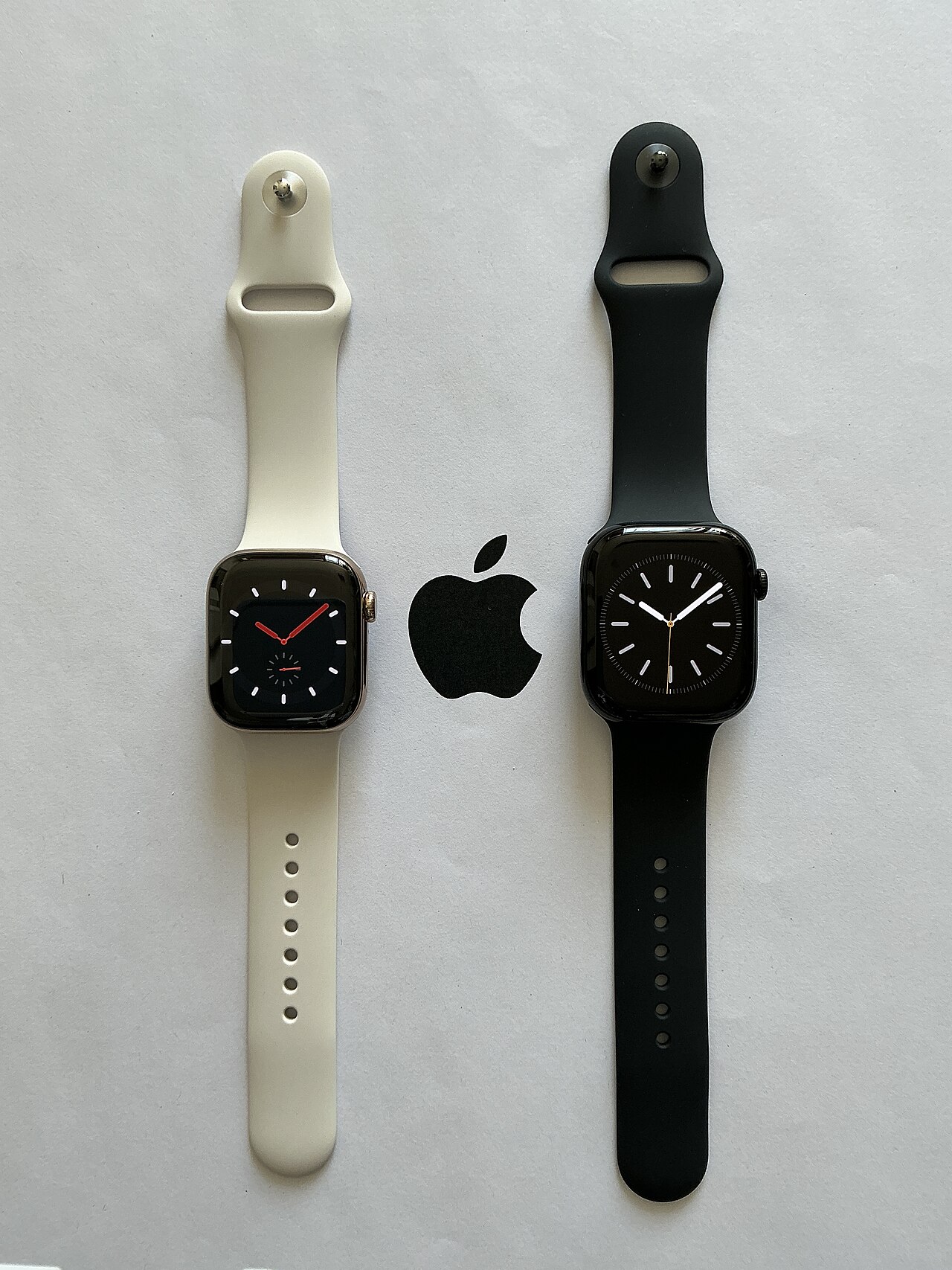
Apple Watch Vitals app is designed to monitor your health, but its accuracy can vary. Here are some simple tips to enhance its performance and reliability.
How the Apple Watch Vitals app works
The Apple Watch Vitals app is designed to monitor various health metrics, providing users with insights into their overall well-being. By continuously tracking vital signs, the app can alert users to potential health issues before they become serious concerns.
The app functions by utilizing a combination of sensors embedded within the Apple Watch. These sensors collect data on:
- Heart rate: The watch measures your heart rate throughout the day, identifying any unusual spikes or drops.
- Blood oxygen levels: Using infrared light, the Vitals app can assess your oxygen saturation, giving insights into respiratory health.
- ECG readings: The app allows users to take an electrocardiogram, which can detect irregular heartbeats.
- Sleep patterns: By monitoring your sleep, the app helps you understand the quality and duration of your rest.
To ensure the Apple Watch Vitals app provides the most accurate readings, it’s essential to wear the watch snugly on your wrist. Additionally, keeping the software updated and regularly calibrating the watch can enhance the reliability of the data collected. Users should also be mindful of their activity level and hydration, as these factors can influence the accuracy of recorded metrics.
Common issues with the Vitals app
The Apple Watch Vitals app is a powerful tool for monitoring health, but users may encounter some common issues that can affect its accuracy. Understanding these problems can help you get the most out of this app.
- Improper Fit: A loose or improperly fitted Apple Watch can lead to inaccurate readings. Ensure that the watch is snug against your wrist, allowing sensors to make proper contact with your skin.
- Skin Temperature and Moisture: The sensors can be affected by extreme skin temperatures or moisture. It’s advisable to keep your wrist dry and at a normal temperature for the most reliable measurements.
- Interference from Tattoos: If you have tattoos on your wrist, they may interfere with the sensor’s ability to read your vitals accurately. The ink can block the light that the sensors use to measure heart rate and other metrics.
- Software Updates: Ensure that your Apple Watch is running the latest software. Updates often include important improvements and bug fixes that can enhance the functionality of the Vitals app.
- Calibration Needs: Occasionally, the Vitals app may require calibration to ensure accuracy. Regularly check your settings and perform any necessary calibrations as prompted.
By addressing these common issues, you can significantly improve the accuracy of the Apple Watch Vitals app and better monitor your health.
Tips for improving Vitals app accuracy
To enhance the accuracy of the Apple Watch Vitals app, consider these helpful tips:
- Ensure a snug fit: The Apple Watch should sit comfortably on your wrist without being too tight or too loose. A proper fit allows more accurate readings of your heart rate and other vital signs.
- Keep the sensors clean: Regularly clean the back of your Apple Watch where the sensors are located. Dirt, sweat, and lotion can interfere with the readings, leading to inaccurate data.
- Update your software: Always ensure that your Apple Watch and the associated iPhone app are running the latest software. Updates often include enhancements and fixes that can improve the app’s functionality.
- Stay well-hydrated: Dehydration can affect your heart rate and overall health metrics. Drinking enough water contributes to more accurate readings from the Vitals app.
- Regular calibration: Periodically calibrate your Apple Watch by performing outdoor exercises. This helps the watch adjust to your individual fitness level, leading to better accuracy in readings.
By following these tips, users can maximize the effectiveness of the Apple Watch Vitals app and receive more reliable health insights.
User experiences with health tracking
Many users have shared their experiences with the Apple Watch Vitals app, highlighting its role in monitoring health metrics and detecting early signs of illness. Several individuals reported that the app’s notifications prompted them to seek medical attention or adjust their daily routines.
One user recounted a situation where the Apple Watch alerted them to elevated heart rate levels during a period of increased fatigue. This early warning allowed them to prioritize rest and hydration, ultimately helping to prevent a more serious health issue. Another user noted how the Vitals app tracked their sleep patterns, revealing disturbances that they hadn’t previously recognized. This insight led them to adjust their bedtime habits, resulting in improved sleep quality.
However, while many have praised the functionality of the Apple Watch Vitals app, some users have encountered challenges. Inconsistent readings and calibration issues have been common themes. To address these problems, many users recommend regularly cleaning the watch and ensuring it fits securely on the wrist for optimal sensor contact.
Additionally, sharing experiences in online forums can provide valuable tips and tricks, helping others navigate similar challenges. Overall, the Apple Watch Vitals app continues to evolve, and user feedback plays a crucial role in enhancing its accuracy and reliability.
Latest updates on Apple Watch features
The Apple Watch continues to evolve, providing users with enhanced health monitoring capabilities through various updates aimed at improving the Vitals app. Recent software upgrades have introduced several new features designed to boost the app’s accuracy and usability.
- Heart Rate Monitoring: The latest update includes improved algorithms for heart rate detection, allowing for more reliable readings during workouts and rest periods.
- Sleep Tracking Enhancements: Users can now benefit from advanced sleep tracking options, which analyze sleep patterns more thoroughly, providing insights into overall sleep quality.
- Breathing Rate Metrics: The Vitals app now offers more precise tracking of breathing rates, helping users to identify potential respiratory issues early.
- Integration with Health Records: The integration of the Vitals app with health records allows users to share their health data with medical professionals seamlessly, promoting proactive health management.
Moreover, the user interface has received a refresh, making it easier for individuals to navigate through their health data. Apple has also emphasized the importance of regular updates, which can significantly enhance the functionality of the Apple Watch Vitals app. By keeping the device updated, users can ensure they are benefiting from the latest advancements in health tracking technology.
Why health monitoring matters
Health monitoring is crucial in today’s fast-paced world, as it empowers individuals to take charge of their well-being. With the advancement of technology, tools like the Apple Watch Vitals app offer users a convenient way to track their health metrics in real-time. Understanding your body’s signals can lead to early detection of potential health issues, promoting proactive care and timely interventions.
Effective health monitoring plays a significant role in managing chronic conditions, optimizing fitness routines, and maintaining overall wellness. By regularly checking vital signs such as heart rate, blood oxygen levels, and sleep patterns, users can gain valuable insights into their physical state. This data can be crucial for making informed decisions regarding lifestyle changes, consultations with healthcare providers, or adjusting fitness goals.
Additionally, the integration of health monitoring into daily life fosters greater awareness of personal health trends. Users can identify patterns and anomalies that may require attention, ultimately leading to improved health outcomes. The Apple Watch Vitals app is designed to simplify this process, making it easier than ever to stay connected with one’s health.
In summary, prioritizing health monitoring through tools like the Apple Watch Vitals app can have a profound impact on an individual’s quality of life. Embracing these technologies is a step towards a healthier future.
The future of wearable health technology
The future of wearable health technology looks promising, particularly with advancements in apps like the Apple Watch Vitals app. As consumers become more health-conscious, the integration of technology into personal wellness continues to evolve rapidly.
One of the most exciting developments is the potential for improved accuracy in health monitoring. With ongoing updates and innovations, wearable devices are beginning to provide real-time insights into various health metrics. This capability not only empowers users to take control of their health but also enables early detection of potential issues.
As the technology matures, we can expect to see:
- Enhanced sensors: Newer models of smartwatches will likely feature more sophisticated sensors that can track a wider range of health indicators with greater precision.
- AI integration: Artificial intelligence may play a significant role in analyzing health data, providing personalized recommendations and alerts based on individual patterns.
- Increased connectivity: The Apple Watch Vitals app could further integrate with other health platforms, allowing for a more comprehensive view of users’ health journeys.
As these advancements unfold, the Apple Watch Vitals app will continue to be a vital tool for health monitoring, helping individuals make informed decisions about their well-being.
via Wikimedia Commons