

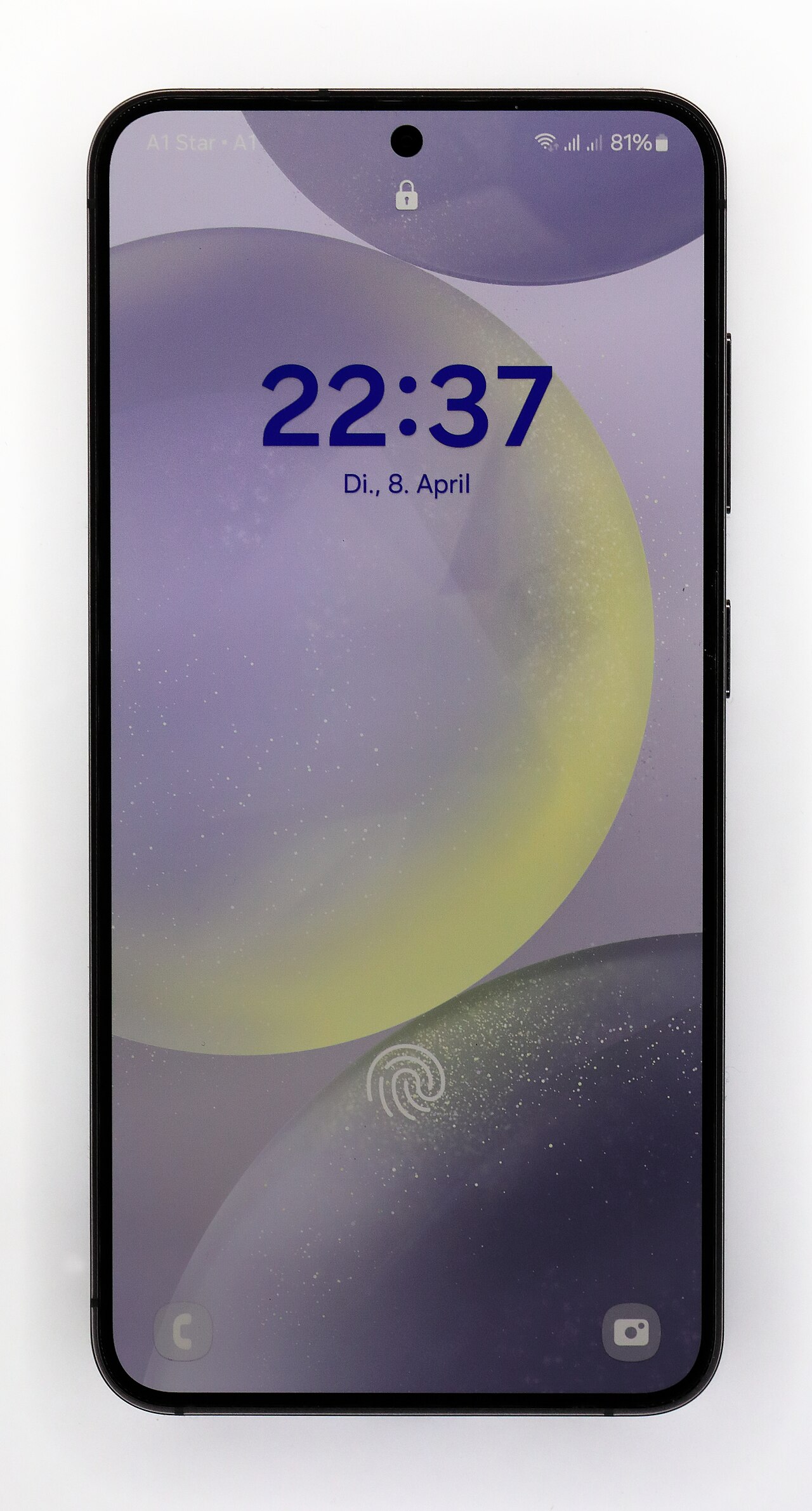
One UI 9 Beta 2 is rolling out to the Galaxy S24, bringing a host of new features and improvements. Users can look forward to an enhanced experience with this update.
What’s New in One UI 9 Beta 2?
The One UI 9 Beta 2 update is now being rolled out to the Galaxy S24, bringing a host of exciting new features and improvements. Users can expect a more refined interface, enhanced performance, and several new functionalities that aim to elevate the overall experience of the device.
Key highlights of the One UI 9 Beta 2 update include:
- Improved Customization: Users can now enjoy more options for personalizing their home screens and themes, making their devices truly unique.
- Enhanced Security: The update introduces advanced security features, ensuring that user data remains protected from potential threats.
- Faster Performance: Optimizations have been made to the core system, resulting in smoother navigation and quicker app launches.
- New Widgets: A variety of new widgets have been added, providing users with more information at a glance without cluttering their screens.
These enhancements make One UI 9 Beta 2 an appealing upgrade for Galaxy S24 users looking to maximize their smartphone experience.
How to Install One UI 9 Beta 2
Installing the One UI 9 Beta 2 on your Galaxy S24 is a straightforward process, allowing users to experience the latest features and improvements firsthand. Follow these steps to get started:
- Check Eligibility: Ensure your Galaxy S24 is eligible for the One UI 9 Beta 2 program. You may need to register through the Samsung Members app.
- Backup Your Data: Before proceeding, back up your important data to avoid any loss during the installation.
- Download the Update: Once registered, go to Settings, select Software Update, and tap on Download and Install to fetch the beta version.
- Install the Update: After the download is complete, follow the on-screen instructions to install the One UI 9 Beta 2 on your device.
- Feedback: Post-installation, consider providing feedback to Samsung to help improve future updates.
Enjoy exploring the new features and enhancements that One UI 9 Beta 2 offers!
User Feedback on One UI 9 Beta 2
The rollout of One UI 9 Beta 2 for the Galaxy S24 has garnered significant user feedback, highlighting both positive and negative experiences. Many users have taken to online forums and social media to share their thoughts on the latest features and improvements.
Among the most praised aspects of the update are:
- Enhanced Performance: Users report smoother navigation and quicker app launches, contributing to an overall better user experience.
- New Customization Options: The expanded choices for themes and widgets have been well-received, allowing users to tailor their devices to their personal preferences.
- Improved Battery Management: Feedback indicates that battery life has seen notable enhancements, with many users experiencing longer usage times.
However, not all feedback has been positive. Some users have encountered:
- Minor Bugs: A few glitches reported have hindered usability, particularly in specific apps.
- Connectivity Issues: Some users have experienced problems with Wi-Fi and Bluetooth connections after the update.
Overall, the reception of One UI 9 Beta 2 appears to be mixed, with many looking forward to further refinements in future updates.
Comparing One UI 9 Beta 2 to Previous Versions
When comparing One UI 9 Beta 2 to its predecessors, several noteworthy improvements and changes come to light. Users have observed enhancements in both performance and aesthetics, setting a new benchmark for Samsung’s software experience.
Some key differences include:
- Increased Speed: Many users report faster app launches and improved multitasking capabilities, making the Galaxy S24 feel more responsive.
- Refined User Interface: The visual design has seen a significant upgrade, with smoother animations and a more cohesive color palette.
- Enhanced Customization: One UI 9 Beta 2 introduces more options for home screen layouts and widget configurations, allowing for greater personalization.
- Improved Battery Management: Users note that the battery optimization features have become more effective, prolonging usage times under heavy load.
Overall, One UI 9 Beta 2 represents a substantial step forward, offering both functional and aesthetic enhancements that could make it the best update yet for the Galaxy S24.
Common Issues with One UI 9 Beta 2
Despite the excitement surrounding the release of One UI 9 Beta 2, users have reported several common issues that could affect their experience. While the update brings a host of new features, it is not without its challenges.
Some of the most frequently mentioned issues include:
- Battery Drain: Many users have noticed that their devices consume more battery than usual after installing the beta.
- App Crashes: Certain apps may crash unexpectedly, leading to frustration among users who rely on them for daily tasks.
- Wi-Fi Connectivity: Users have experienced intermittent Wi-Fi issues, making it difficult to maintain a stable connection.
- Performance Glitches: Some users have reported lag and stuttering during routine operations, affecting the overall user experience.
As Samsung continues to refine One UI 9 Beta 2, feedback from users will be crucial in addressing these concerns and enhancing the final release.
Future Updates for Galaxy S24
As Samsung continues to refine its software offerings, the Galaxy S24 is set to receive additional updates beyond the current One UI 9 Beta 2. Users can expect a series of enhancements that will further improve the device’s performance and features.
The company has a track record of rolling out regular updates, which often include:
- Security patches: Keeping user data safe is a priority, and Samsung frequently issues updates to address vulnerabilities.
- Feature enhancements: New features may be added based on user feedback and technological advancements.
- Stability improvements: Each update aims to resolve bugs and enhance the overall user experience.
Additionally, Samsung has hinted at a roadmap for future updates, indicating that users of the Galaxy S24 can look forward to a more refined experience as the final version of One UI 9 is released. Staying informed about these updates will ensure users make the most of their devices.
Conclusion: Is One UI 9 Beta 2 Worth It?
In conclusion, the One UI 9 Beta 2 update presents a significant opportunity for Galaxy S24 users to experience a fresh take on Samsung’s Android interface. While the latest features and enhancements are enticing, it’s important for users to weigh the pros and cons of adopting this beta version.
Here are some key considerations to keep in mind:
- New Features: The update includes various improvements that enhance user experience and functionality.
- Stability: Being a beta version, some users may encounter bugs and issues that could hinder performance.
- User Experience: Feedback has been generally positive, with many users appreciating the changes.
- Future Updates: Users can expect ongoing improvements and refinements as Samsung continues to develop the software.
Ultimately, deciding whether One UI 9 Beta 2 is worth installing depends on individual preferences for stability versus the desire to explore new features early on.
via Wikimedia Commons