



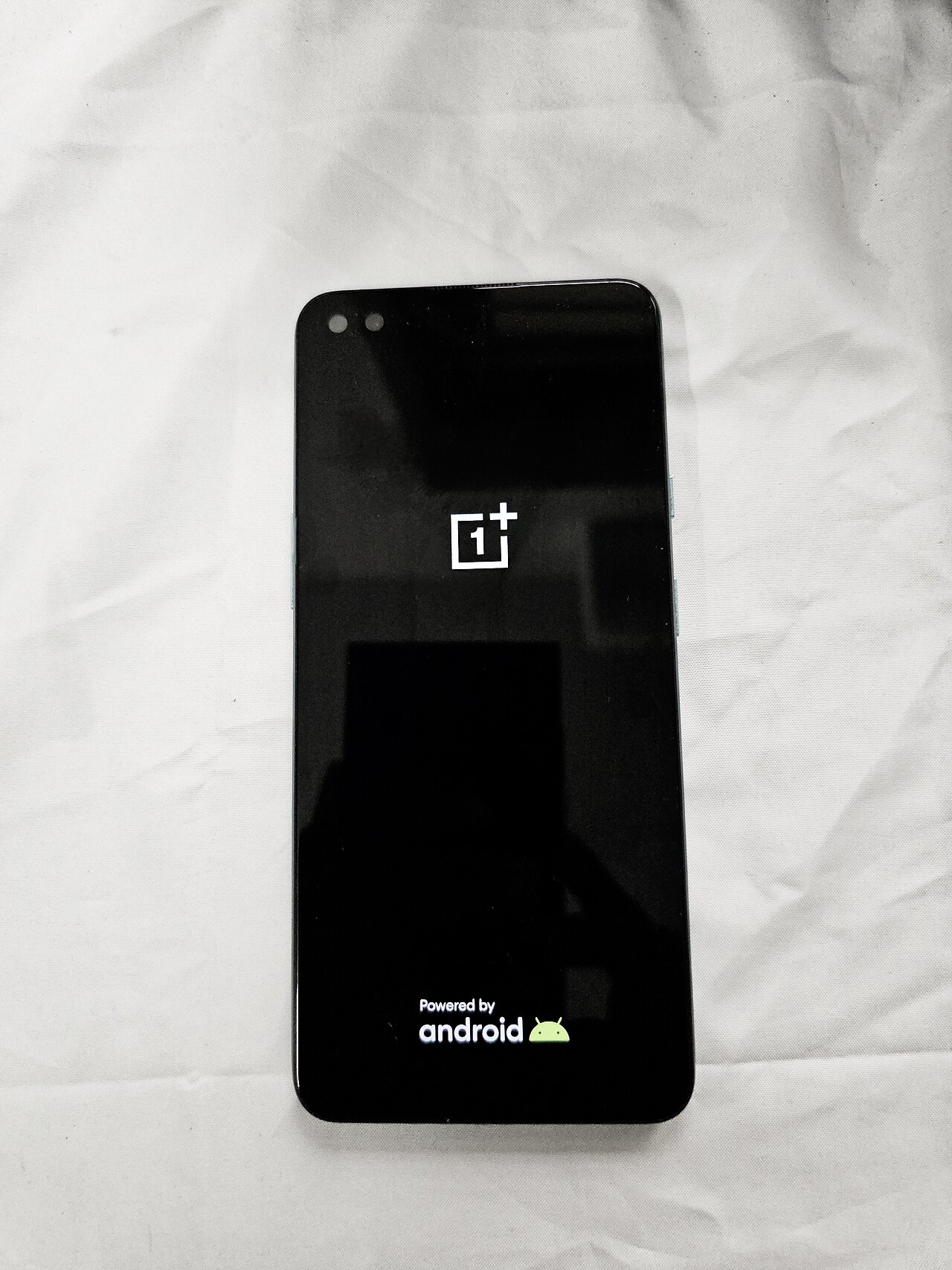
The ColorOS 17 rollout schedule has been officially released, detailing the update timeline for November. This announcement brings excitement to OnePlus users eager for new features.
Overview of ColorOS 17 Features
The highly anticipated ColorOS 17 rollout schedule has generated significant excitement among users, as it introduces a host of new features aimed at enhancing the overall smartphone experience. This update focuses on improved performance, user customization, and enhanced security measures.
One of the standout features of ColorOS 17 is its revamped user interface, which offers a more streamlined and intuitive layout. Users can expect:
- Dynamic Color Schemes: A selection of color palettes that adapt to the time of day and user preferences.
- Enhanced Privacy Controls: New settings that allow users to manage app permissions more efficiently.
- AI Performance Optimization: Machine learning enhancements that boost app loading times and overall device responsiveness.
- Customizable Always-On Display: Users can personalize their always-on display with widgets and themes.
With these features, ColorOS 17 aims to provide users with a more personalized and secure mobile experience. As the ColorOS 17 rollout schedule progresses, enthusiasts are eager to explore all the functionalities this update has to offer.
How to Prepare for the Update
As users eagerly await the ColorOS 17 rollout schedule, it’s essential to prepare your device for the upcoming update. Here are some steps you can take to ensure a smooth transition:
- Backup Your Data: Before initiating the update, back up all important files and data. Use cloud storage services or external drives to save photos, documents, and contacts.
- Free Up Storage Space: Check your device’s storage and delete unnecessary files or apps. A minimum of 5GB of free space is often recommended for a seamless update.
- Update Your Apps: Ensure all your applications are updated to their latest versions. This can help prevent compatibility issues after the ColorOS 17 update.
- Charge Your Device: Make sure your device is fully charged or connected to a power source during the update process to avoid interruptions.
- Stay Informed: Keep an eye on announcements regarding the ColorOS 17 rollout schedule. Follow official channels for the latest updates and specific rollout dates for your device model.
By taking these steps, you can enjoy the new features and enhancements that ColorOS 17 has to offer without any hassle.
ColorOS 17 Rollout Schedule Explained
The ColorOS 17 rollout schedule has been officially announced by OnePlus, detailing the timeline for users to receive the latest updates. Starting this November, several OnePlus devices will be among the first to experience the enhanced features and performance improvements this new version offers.
According to the schedule, the rollout will occur in phases, allowing users to access the update based on their device model and region. The initial phase will include:
- OnePlus 11 – Scheduled for early November
- OnePlus 10 Pro – Expected mid-November
- OnePlus 10T – Also set for mid-November
- OnePlus Nord 2T – Anticipated by late November
Following the initial phase, additional devices will join the rollout in December and January. Users are encouraged to check their device settings regularly to stay updated on the availability of the ColorOS 17 update.
Overall, this systematic rollout aims to ensure that all eligible devices receive the new features while maintaining system stability.
User Reactions to ColorOS 17
User reactions to the ColorOS 17 rollout schedule have been mixed, with many users expressing excitement while others voice concerns. As the update promises enhanced features and improved performance, the anticipation among OnePlus users is palpable.
Feedback highlights several key aspects:
- Performance Enhancements: Users are hopeful that the update will significantly boost device speed and responsiveness, especially on older models.
- New Features: Many are eager to explore the innovative features introduced in ColorOS 17, including improved customization options and enhanced privacy settings.
- Rollout Timing: Some users have expressed frustration over the rollout schedule, citing concerns about delayed updates for certain models, which could lead to inconsistency in user experience.
- Security Updates: A segment of users is particularly focused on the security enhancements that accompany ColorOS 17, emphasizing the importance of timely updates.
Overall, the ColorOS 17 rollout schedule has sparked a lively discussion within the community, as users await their turn to experience the latest improvements.
Comparing ColorOS 17 with Previous Versions
The launch of ColorOS 17 marks a significant evolution compared to its predecessors. Users can expect a host of enhancements designed to improve both functionality and user experience. ColorOS 17 rollout schedule has been a topic of much anticipation, especially among users of previous versions.
When comparing ColorOS 17 to earlier iterations, several key differences emerge:
- User Interface: ColorOS 17 features a more refined and intuitive user interface, emphasizing simplicity and ease of navigation.
- Performance: Enhanced optimization algorithms provide faster app launches and smoother multitasking capabilities, a notable upgrade from ColorOS 16.
- Battery Management: Advanced battery-saving techniques allow for longer usage times, addressing one of the common concerns users had with previous versions.
- Customization: ColorOS 17 introduces new customization options, enabling users to personalize their devices beyond what was possible in earlier updates.
In summary, while previous versions laid a solid foundation, ColorOS 17 elevates the user experience with significant improvements that cater to contemporary user demands.
via Wikimedia Commons